

























“Discover the Apple Watch Setting I Always Disable Daily”

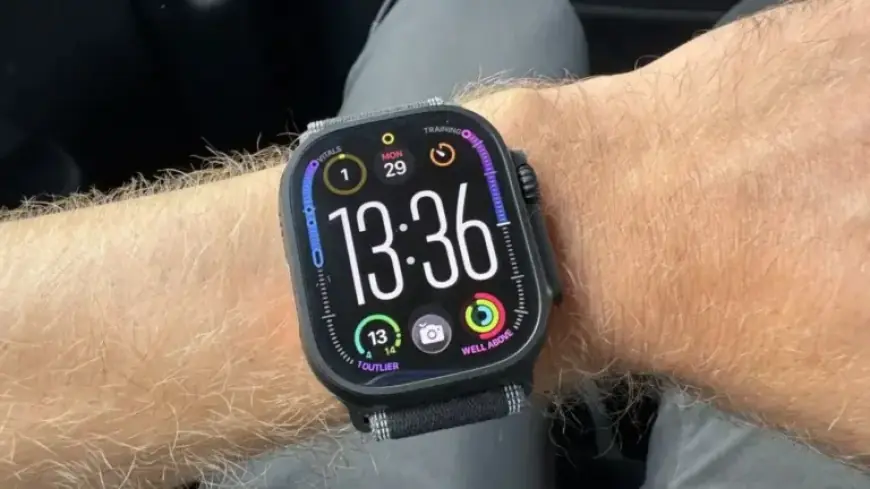
Many smartwatch reviews highlight various features, but the Apple Watch continues to stand out. Particularly, the Apple Watch Ultra 3 offers users a unique way to enhance their fitness experience. For those utilizing this smartwatch, a crucial setting often overlooked is the management of notifications during workouts.
Why Disable Notifications During Workouts?
Notifications can be an unwelcome distraction when exercising. For individuals looking to better focus on their routines, turning off certain notifications can lead to a more fulfilling workout. Notifications from social media, messages, and emails can disrupt your concentration and affect overall performance.
- Disabling notifications can minimize distractions.
- Reduces anxiety during workouts.
- Improves focus, leading to better performance.
Setting Up a Fitness Focus Mode on Your Apple Watch
To optimize your Apple Watch experience, consider setting up a “Fitness Focus” mode. This process can be completed directly from your iPhone, streamlining your notifications for improved workouts.
- Open the ‘Settings’ app on your iPhone.
- Scroll to ‘Focus’ and select it.
- Choose ‘Fitness’ from the available options.
You can customize this mode by selecting which notifications to silence or allow. For example, you can choose to receive calls from specific contacts or allow repeated calls from the same person within a short time frame. Further customizations include:
- Selecting apps to silence or enable during workouts.
- Editing how notifications appear on your devices.
- Establishing a schedule for when the Fitness Focus mode activates.
Benefits of Managing Notifications
By managing notifications effectively, you can create a more enjoyable exercise environment. This method allows you to focus on your workout without unnecessary interruptions. The Apple Watch offers flexibility to ensure you receive important alerts while minimizing distractions from less critical notifications.
In conclusion, for anyone using an Apple Watch, especially models like the Ultra 3 or SE 3, adjusting notification settings can significantly enhance your workout experience. Make these changes to take full advantage of your smartwatch while pursuing your fitness goals.














