

























Google Launches Highly Anticipated @gmail.com Email Update for Users

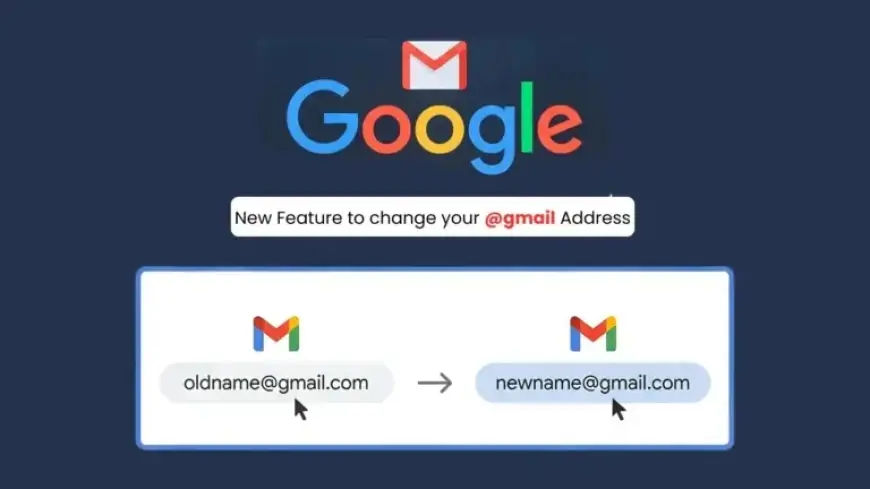
Google has initiated a long-awaited update allowing users to change their existing @gmail.com email addresses to a new @gmail.com address. This feature, which aims to enhance user flexibility, will help those who wish to alter their usernames while retaining access to their extensive email history and other Google services. The rollout began recently and is gradually expanding to eligible accounts globally.
Overview of the New Feature
This essential update addresses a common user concern: the difficulty of changing an email account without losing access to accumulated data, such as emails, photos, and more. Previously, users faced cumbersome methods to alter their email addresses, including disabling Gmail or switching to different domain names.
Importance of Your Google Account Email
Your Google Account email serves as a primary identifier on platforms like Gmail, YouTube, Drive, and Maps. It is linked to your Google profile, where you receive essential notifications. This new feature seeks to streamline digital identities for users, particularly amid rising privacy concerns.
The Change Process: A Step-by-Step Guide
- Visit myaccount.google.com/google-account-email on a computer.
- Sign in to your Google Account.
- Navigate to “Personal info,” then select “Email.”
- Look for “Google Account email” to check if “Change Google Account email” is available.
- If it is, proceed with the change; if not, wait for the rollout to become available to you.
Before confirming any changes, users should be aware of potential disruptions. Notably, Chromebook users may encounter directory sync issues, and anyone using “Sign in with Google” for third-party accounts might need to update their linked email. Additionally, remote connections may drop, requiring a reconnect. Google recommends backing up data and syncing important information before making the switch.
Key Points to Consider
- Choose an available username that has not been recently deleted.
- After entering your new username, confirm your decision by clicking “Change email.”
- Your old email address will remain as an alternate email for notifications.
- Data on Drive, messages, and files remain unaffected post-change.
Users can revert to their original email address at any time, retaining the new one as an alternate. However, they cannot create another new @gmail.com address for a full year following the change.
Security Considerations
Cybersecurity experts commend this enhancement as a step towards account security. Users are encouraged to enable two-factor authentication and conduct login tests after making their changes. Care should be taken during the transition to prevent lockouts due to delayed recovery emails.
Conclusion
This Google account update signifies a significant shift towards user-centric features in the tech industry. As the rollout continues, users should monitor their account dashboard for access to this valuable tool. Keep informed on platforms like Filmogaz for updates regarding cybersecurity and technology news.















