

























LockStar Update Enhances Screen Unlock Effects in One UI 8.5

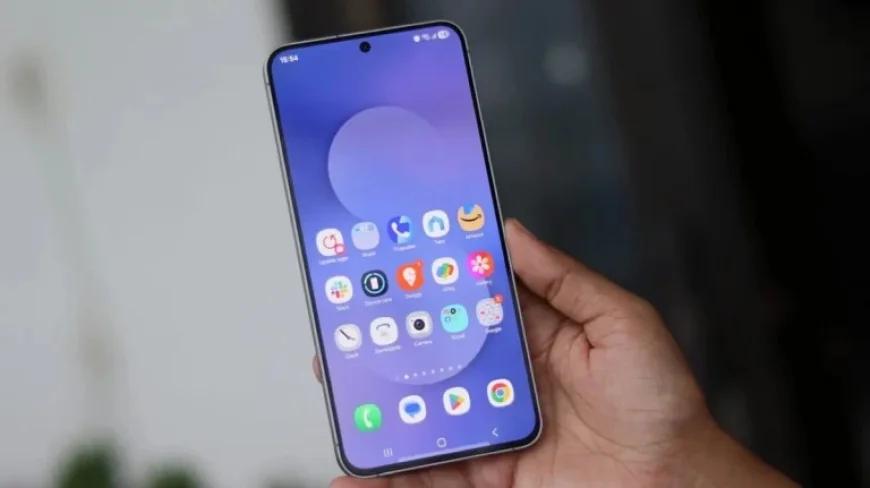
Samsung has launched an update for the LockStar module within the Good Lock app. This update brings enhanced screen unlock effects for users with Galaxy smartphones running One UI 8.5.
New Features of LockStar Update
The latest version, 8.5.00.8, introduces several notable enhancements. These include customization options for screen unlock animations and manual controls for always-on display (AOD) brightness.
Screen Unlock Animation Effects
One significant feature of the update is the ability to modify screen unlock animations. Users can choose from various styles:
- Slide
- Expand
- Spread
- Wave
- Warp
- Ripple
Each animation can be tailored further by adjusting its shape, color, duration, and curve settings. This allows for a personalized user experience on One UI 8.5 devices.
Always-On Display Enhancements
The update also includes manual brightness control for the always-on display feature. However, this option is limited to devices that support full-screen AOD wallpapers, such as the Galaxy S24 and newer flagship models.
Improvements for One UI 8.0 Devices
For those still using One UI 8.0, LockStar introduces a new text feature. This allows users to place custom text on their lock screens, enhancing personalization.
Additional Fixes and Updates
In this update, Samsung has also addressed issues related to fingerprint effects. Additionally, a corner rounding option for lock screen widgets has been added, improving the overall aesthetic and functionality.
With these enhancements, the LockStar module is positioned to offer Galaxy users a more customizable and visually appealing experience.















