

























Customize Unlock Animations with One UI 8.5 Update

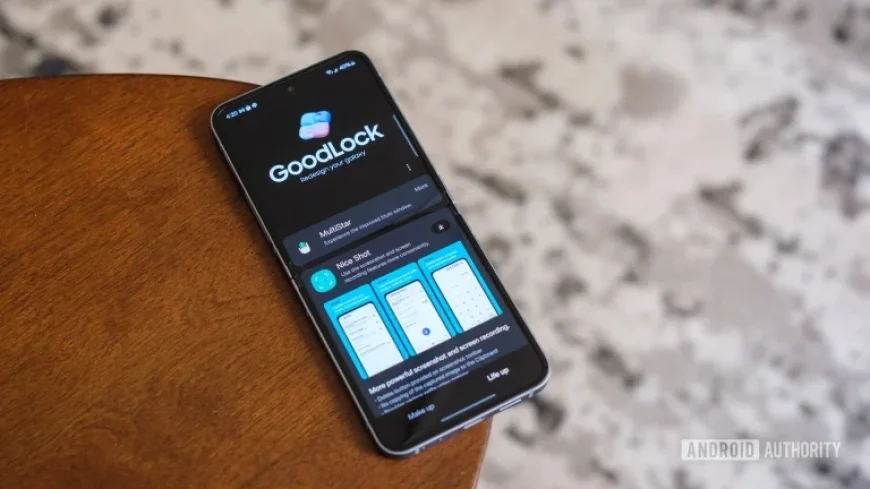
Samsung’s latest update for its One UI 8.5 features enhancements that redefine the unlocking experience for Galaxy phones. The update introduces customizable unlock animations, allowing users to personalize how they access their devices.
Enhanced Unlock Animations in One UI 8.5
The One UI 8.5 update has brought a new version of LockStar, enabling fully customizable unlock animations. The latest version, 8.5.00.8, provides users with various transition effects that make unlocking feel more engaging and intentional.
Customizable Animation Options
- Slide
- Expand
- Spread
- Wave
- Warp
- Ripple
Users can not only select their preferred animation but also adjust specific parameters such as speed, direction, and distortion. This level of control allows individuals to create an unlocking process that suits their personal style.
Manual Control of Always On Display Brightness
In addition to animation customization, the update includes a significant upgrade to the Always On Display (AOD) feature. Users can now manually adjust the brightness of their AOD settings, moving away from the previous reliance on Samsung’s auto-brightness functionality.
This feature is particularly beneficial for devices like the Galaxy S24 and S25 series, where users have more control over display settings. They can choose to dim the display to conserve battery life or increase brightness for better visibility of their wallpapers.
Commitment to User Customization
Samsung’s inclusion of these features in the LockStar module underscores its dedication to providing customizable user experiences. Instead of embedding animations in the main settings, Samsung continues to cater to tech enthusiasts who enjoy fine-tuning their device interactions.
This approach highlights the company’s recognition of user preferences for personalized settings, ensuring that Galaxy phone owners can enjoy a more tailored unlocking experience.
The po















