

























Upgrade Your Smart TV Instantly: 4 Free and Easy Methods

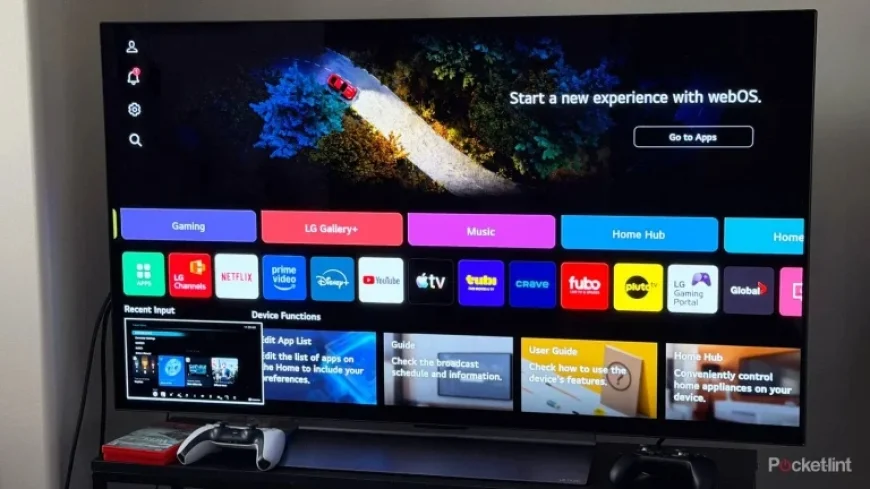
Smart TVs have evolved significantly over the past decade, resembling computers in functionality. They offer operating systems, applications, and streaming capabilities without the need for additional devices. However, if your TV shows signs of lag, constant buffering, or software glitches, there’s no need to rush into purchasing a new model. Instead, consider performing simple maintenance to enhance its performance. Here are four free and easy methods to upgrade your smart TV experience instantly.
1. Clear the Cache for Improved Performance
High-performance smart TVs can slow down due to accumulating cache data from installed applications. Cached data builds up over time, taking up storage and can cause lag. Clearing the cache can revive your TV’s speed.
- Access settings for apps or storage on your TV.
- Look for options to clear cached data for individual apps or all at once.
- Regularly check available storage space and remove unused applications.
2. Use an Ethernet Connection for Better Internet Access
Buffering issues might arise not from your TV, but from a weak Wi-Fi signal. Smart TVs often connect via Wi-Fi, which can be affected by distance and obstructions. If your TV has an Ethernet port, connect it directly to your router using an Ethernet cable.
- Wired connections provide faster and more reliable internet access.
- Reduce interference from walls and nearby networks.
3. Check for Software Updates Regularly
Just like other smart devices, TVs require regular updates to fix bugs and improve functionality. TV manufacturers frequently release new software updates. Ensure your TV is running the latest version to resolve lingering issues.
- Navigate to the settings menu to find the Software Update option.
- Enable automatic updates to keep your TV regularly updated.
4. Disable Motion Smoothing for Better Picture Quality
Many smart TVs have a default setting known as motion smoothing, which is often criticized by filmmakers. This setting can make the picture appear unnatural, creating an unwanted “soap opera effect.” Disabling this feature can enhance your viewing experience.
- Access the picture settings in your TV’s menu.
- Look for the motion smoothing option and turn it off.
Implementing these simple upgrades can significantly enhance your smart TV capabilities without any cost. With just a few adjustments, you can maintain a smooth, enjoyable viewing experience that rivals newer models.
The post















