Update and Restart Your iPhone Now: Essential Tips for Users

Apple has recently addressed significant security vulnerabilities in its operating systems, particularly affecting iPhones and iPads. The company has encouraged users to upgrade to iOS 26, including the latest iOS 26.2 update, where important security patches are available.
Essential Update for iOS Users
On December 12, 2025, Apple resolved two critical WebKit zero-day vulnerabilities linked to mercenary spyware. The fixes are vital for users of iPhone 11 and newer models. Apple confirmed that these vulnerabilities can lead to arbitrary code execution via malicious web content, which has started to be exploited in the real world.
The Risks of Ignoring the Update
Despite Apple’s warnings, many users have been slow to adopt iOS 26.2. As of January 2026, only approximately 4.6% of active iPhones were running this version, while about 16% were on any version of iOS 26. This leaves a substantial number of devices on older software.
- 4.6% of active iPhones on iOS 26.2
- 16% of iPhones on any version of iOS 26
- Significant numbers remain on iOS 18 and earlier
Importance of Restarting Your Device
One simple yet effective security measure is to regularly restart your device. Restarting flushes out memory-resident malware, unless it has gained persistence. High-end spyware typically avoids detection by not leaving traces, relying on users not restarting their devices. Whenever you upgrade your software, a restart occurs, eliminating potential threats.
Steps to Update Your iPhone
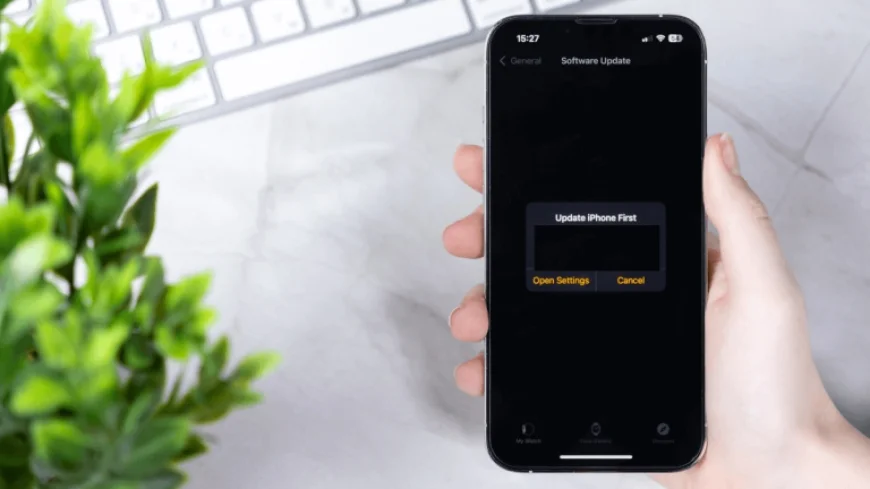
To upgrade to the latest software, follow these steps:
- Go to Settings.
- Select General.
- Tap on Software Update.
Consider enabling Automatic Updates to ensure you always have the latest software and security features.
Safety Tips for Users
To enhance your device security, adhere to the following tips:
- Upgrade your device to iOS 26.2 as soon as possible.
- Make a habit of restarting your device regularly, ideally weekly.
- Avoid opening unsolicited links or attachments without verification.
- Be cautious of notifications; Apple will never request personal credentials through links or files.
Additional Security Measures
If you are a high-value target or require heightened security, consider using Apple’s Lockdown Mode. Additionally, programs like Malwarebytes for iOS can provide an extra layer of protection, alerting you to important updates.
It is crucial to take cybersecurity seriously. Regular updates and device management can significantly reduce vulnerabilities and protect your information.