






















“Discover 18 Hidden iPhone Features in iOS 26”

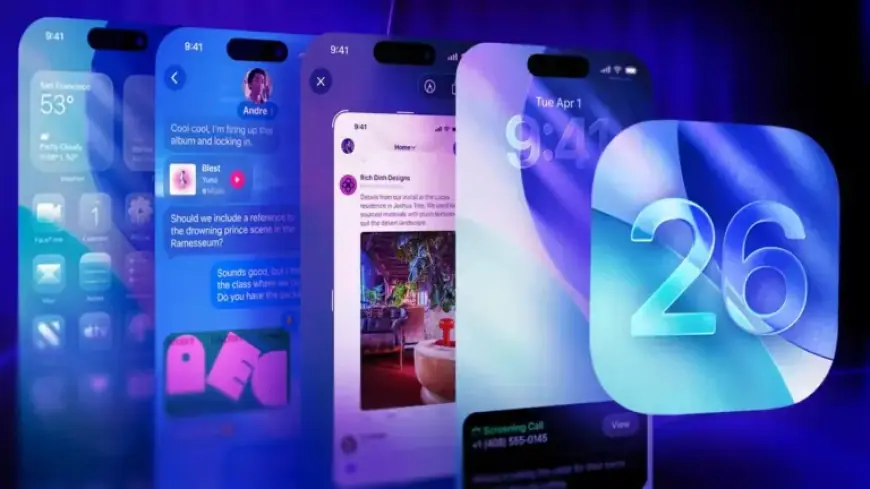
The release of iOS 26 introduced numerous features that enhance the functionality of Apple devices. Among the standout attributes are advanced AI elements and Liquid Glass technology. However, hidden within the system settings are numerous tweaks that can significantly improve user experience. These lesser-known features can streamline daily phone use, from optimizing notifications to managing battery life effectively.
Hidden iPhone Features in iOS 26
To help users unlock the full potential of their devices, here are 18 hidden features in iOS 26 that are worth exploring:
-
1. Customizable Snooze Duration
iOS 26 allows users to adjust the default snooze time for alarms. Go to Clock > Alarm > Snooze Duration to set it between 1 to 15 minutes.
-
2. Create Custom Ringtones
No need for GarageBand. Users can create custom ringtones by sharing a compatible audio file and selecting “Use as Ringtone.”
-
3. Selective Text Copy
Highlight and copy specific parts of text messages by pressing and holding the message, improving text management.
-
4. Visited Places in Maps
Apple Maps now logs visited places, available under Profile > Places > Visited Places for quick reference.
-
5. Battery Charge Time Estimates
The lock screen now displays estimated time to charge the battery to 80% and 100%, aiding in better planning.
-
6. Adaptive Power Mode
This new mode automatically adjusts performance based on activities like streaming or gaming to optimize battery life.
-
7. 3D Spatial Scenes in Photos
The Photos app can now create immersive, 3D views of images. Simply enable the Spatial toggle to explore depth.
-
8. Screenshot Search with Visual Intelligence
After taking a screenshot, users can utilize options to ask questions or search visually via new buttons in the editor.
-
9. Apple Music Lyric Translations
Users can translate lyrics in real-time in Apple Music, enhancing the experience of songs in different languages.
-
10. Live Call Screening
The Phone app introduces live call screening, allowing users to view a real-time transcript and decide whether to answer.
-
11. Take Photos with AirPods
AirPods can now act as a shutter remote for the Camera app, enabling hands-free photography.
-
12. Custom Backgrounds in Messages
Users can personalize text message threads with custom backgrounds, adding a unique touch to conversations.
-
13. PDF Editing with Preview
The Preview app now supports PDF editing directly on iOS, simplifying document management without third-party apps.
-
14. New Navigation Gesture
Users can swipe from the middle of the screen to go back in apps, enhancing navigation fluidity.
-
15. Weather Updates Without Service
With satellite connectivity in the Weather app, users can check forecasts even in areas without cellular service.
-
16. Dirty Lens Warning
The Camera app will notify users to clean the lens if smudges are detected, helping to avoid blurry photos.
-
17. HDR Screenshots
Taking screenshots now preserves HDR qualities, making saved images reflect the display’s vivid colors and contrast.
-
18. Digital Passport in Wallet
Wallet will support storing digital passports, simplifying travel procedures at supported locations.
These hidden features in iOS 26 may not be prominently displayed, but they significantly enhance usability and personalization. Exploring these options can lead to a more enjoyable and efficient iPhone experience, making the update even more worthwhile.