

























“Move 2.0 Enhances Audio Tracks with Clip Warping and Live Processing”

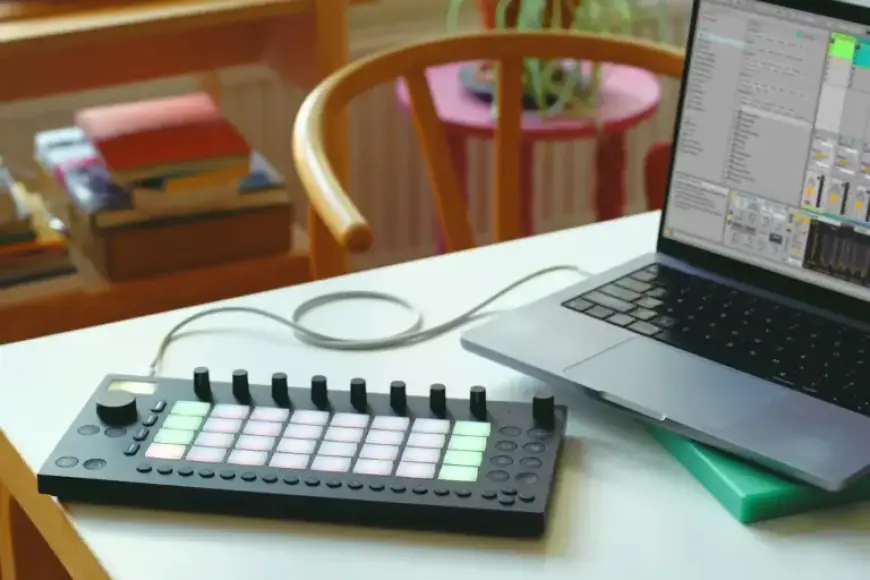
Currently, users of the Ableton Move can access a significant public beta release that introduces exciting new features. By connecting Move to a computer, users can explore the latest capabilities, most notably the addition of Audio Tracks.
Move 2.0 Enhances Audio Tracks with Clip Warping and Live Processing
The introduction of Audio Tracks elevates the functionality of Move, allowing for enhanced audio manipulation. With this update, users can warp clips and engage in live audio processing, making the Move an impressive compact tool for music production.
Key Features of Move 2.0
- Audio Tracks: A new track type that follows MIDI Tracks, enabling users to add samples and record audio.
- Warpping Algorithm: This feature syncs clips with the global tempo while allowing for independent changes to tempo and pitch.
- Live Processing: Move can function as an effects processor, making it versatile for audio manipulation.
- Connections: Compatible with existing analog and USB-C connections, and now supports Ableton Link Audio.
While Move can currently send Link Audio from individual tracks or the main output, it also has the ability to live-process Link Audio inputs, hinting that recording features may be added in future updates.
Audio Effects and Processing Enhancements
This beta also improves audio effects processing significantly. New updates include:
- Erosion: This effect includes enhancements for stereo width and noise blend parameters, ensuring higher-quality interpolation.
- Auto Shift: A powerful effect for pitch correction and transposition, capable of creative manipulation as well.
All these upgrades come as a result of syncing Move’s internal engine with Ableton Live 12.4. Therefore, creating sets on Move 2.0 will require Live 12.4 to function seamlessly.
Getting Started with the Beta
Accessing the beta is straightforward; users need to connect the device via USB-C or WiFi. To start using the beta features, visit http://move.local/beta. Further details about the updates and changes can be found in the release notes on Filmogaz.com.