

























Disable ACR on Your TV: Discover the Significant Impact

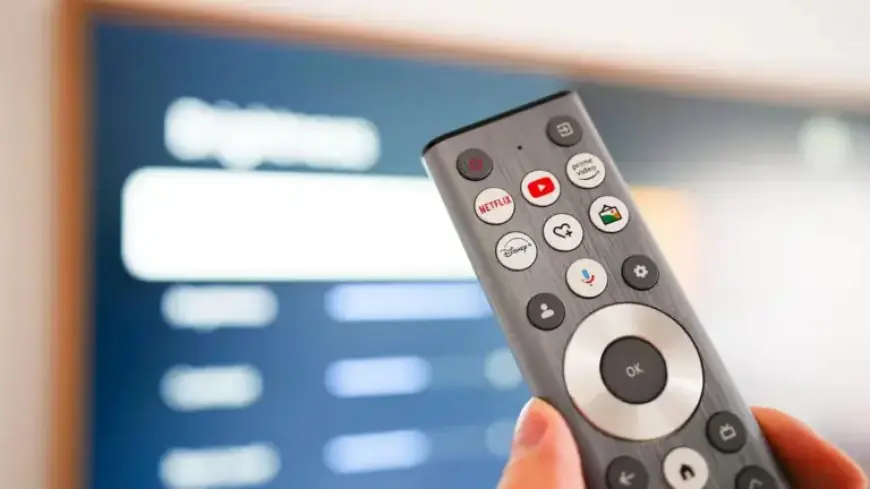
Smart TVs have become ubiquitous in modern households, but many viewers may be unaware of the technology working behind the scenes. Automatic Content Recognition (ACR) is a prevalent ad-tracking feature that collects data on viewers’ habits and preferences. This technology has significant implications for privacy and targeted advertising.
Understanding ACR Technology
ACR functions similarly to a real-time identification service, recognizing content on your screen. It captures screenshots continuously, identifying programs from various sources, including cable, streaming, and gaming consoles. Reports indicate that ACR can capture and analyze up to 7,200 images each hour, or about two images every second. This level of tracking offers marketers critical insights into consumer behavior, turning personal data into targeted ad opportunities.
The Financial Impact of ACR
According to market research in 2022, advertisers allocated roughly $18.6 billion towards smart TV ads. This investment reflects a growing trend in targeted advertisements, leading to increased revenue for both manufacturers and networks.
How to Disable ACR on Your Smart TV
If you find ACR intrusive, disabling it is possible, although navigating through your TV’s settings may require multiple steps. Below are instructions for several major brands:
- Sony TVs:
- Press the Home button.
- Select Settings and choose Initial Setup.
- Scroll to Samba Interactive TV and select Disable.
- LG TVs:
- Press Home, then go to Settings.
- Select General > System > Additional Settings.
- Toggle off Live Plus and adjust ad tracking settings.
- Samsung TVs:
- Press Home followed by Settings.
- Navigate to Privacy Choices and uncheck Viewing Information Services.
- TCL TVs:
- Press Home, then access Settings.
- Select Privacy and toggle off the Use Info from TV Inputs feature.
Considerations When Disabling ACR
Disabling ACR can enhance your privacy but may also limit certain smart functionalities of your TV. Regularly checking these settings is advisable; software updates may inadvertently reset your preferences.
Protecting Your Privacy
The pervasive nature of ACR technology raises concerns about how user data is utilized. By turning off ACR, viewers can significantly increase their privacy while enjoying their favorite content without the anxiety of being constantly tracked. As the landscape of smart technology evolves, understanding and managing privacy settings becomes essential for all consumers.
For more insights on smart TVs and beyond, visit Filmogaz.com.