

























Apple TV Setting Solves Quiet Dialogue Problem Instantly

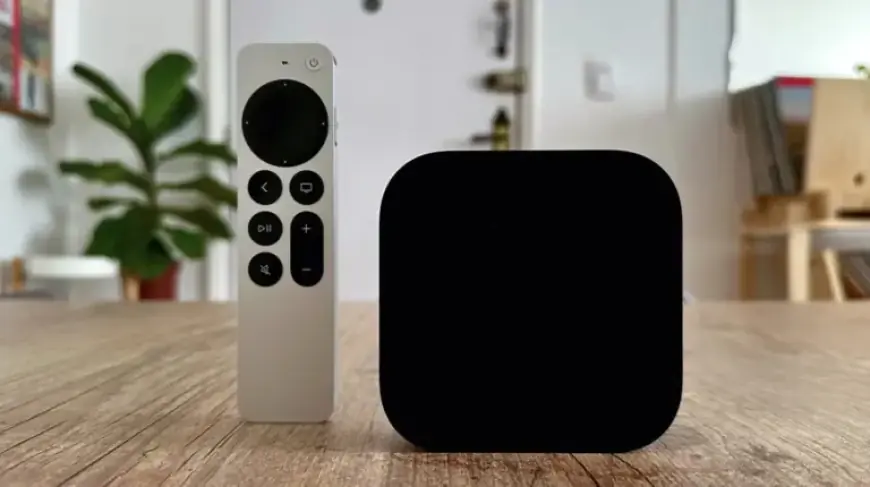
Apple has taken a significant step in improving audio clarity with the introduction of the Enhance Dialogue feature in tvOS 17. This new tool addresses common issues with dialogue in films, shows, and documentaries. Users can now easily boost vocal clarity on their Apple TV 4K devices.
Enhance Dialogue Feature Overview
Initially, Enhance Dialogue was exclusive to the Apple TV 4K when paired with two HomePod 2 speakers. However, the functionality expanded in tvOS 18. It now supports the original HomePod or HomePod mini and can be utilized with any smart TV, provided users have a second-generation Apple TV 4K or later.
Key Features:
- Compatible with Apple TV 4K (2nd generation or later).
- Enhance Dialogue improves dialogue clarity across various audio outputs.
- Works with HomePod speakers and other audio devices like soundbars.
- Updates are required for streaming apps to support this feature.
How to Enable Enhance Dialogue
To activate the Enhance Dialogue feature on your Apple TV, follow these steps:
- Go to the Settings menu on your Apple TV.
- Select Audio Options and toggle on Enhance Dialogue.
- Ensure you are using a compatible audio output device.
This setting remains active until you choose to disable it. For manual control, access the Now Playing menu and select Audio Options before enabling Enhance Dialogue.
Additional Options in Apple TV
Users of Apple Fitness+ can also customize their audio experience. You can choose to prioritize either the coach’s voice or the background music during workouts. Furthermore, you have the option to enable Voice Isolation alongside Enhanced Dialogue for a more tailored listening experience.
Settings for Voice Isolation:
- Navigate to Settings on your Apple TV 4K.
- Select Accessibility.
- Enable Add Voice Isolation.
This combination of features ensures that users enjoy a superior audio experience whether they are watching movies or exercising with Apple Fitness+.
With the Enhance Dialogue feature, Apple continues to enhance the user experience by addressing common audio concerns, making its devices a preferred choice for home entertainment.