

























Crafting My Dream Star Trek LCARS Control Panel

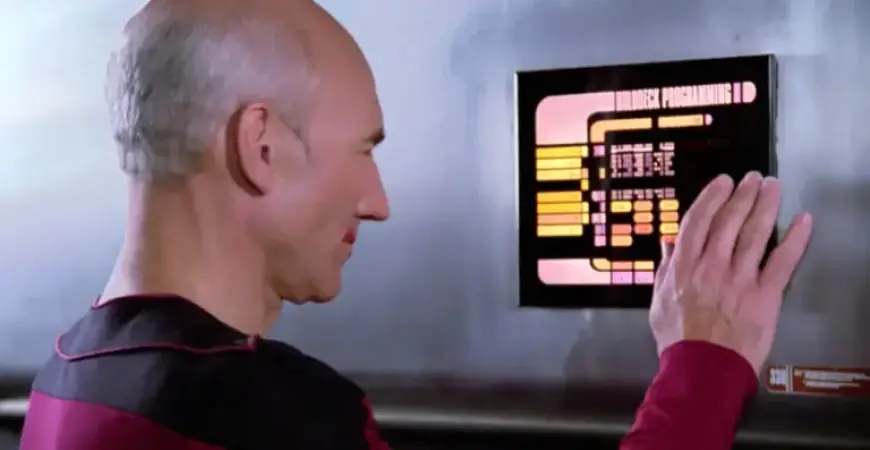
In recent years, home automation has gained popularity, becoming a fulfilling hobby for many. One notable platform leading this trend is Home Assistant. This open-source system allows users to customize their home automation experience extensively. It is especially beneficial for those managing conditions like ADHD, offering tools for reminders and monitoring home security.
Exploring the LCARS Interface
The fascination with Home Assistant deepened with the discovery of a community-created theme reminiscent of the LCARS interface from
Star Trek. LCARS, short for Library Computer Access/Retrieval System, is celebrated for its eye-catching aesthetic, even if it isn’t the most practical interface. Many enthusiasts have dedicated time to creating customized dashboards, making their smart home devices more visually appealing and user-friendly.
Personalizing the Dashboard
While many users lean on automated functions, having a custom dashboard can enhance manual control. It’s useful for displaying weather or adjusting lighting scenes. One passionate user took it upon themselves to create a dashboard mimicking the LCARS interface known from the Star Trek series. This venture spurred an exploration into integrating LVGL (Light and Versatile Graphics Library) with Home Assistant, aiming for a more sophisticated graphical interface.
Incorporating ESPHome
ESPHome, an open-source firmware framework, emerged as a crucial component in this project. Designed for simplicity, it enables users to easily program Wi-Fi-enabled microcontrollers like the ESP32 and ESP8266. This compatibility allows for a wide range of applications, including motion detection and air quality monitoring.
Designing the Interface
For this endeavor, a Waveshare 7” touch display featuring an ESP32-S3 microcontroller was used. The creator chose a design inspired by a graphic from Tuvok’s quarters in Star Trek: Voyager. This design contained colorful buttons and two gauges that were repurposed for lighting controls.
- Tools Used:
- Adobe Illustrator for design reference
- ESPHome editor for interface creation using YAML
- Key Features:
- Customizable buttons with specific shapes and colors
- Integration of gauges to control and display brightness
- Ability to incorporate stacked shapes for improved aesthetics
Realizing the Project
After extensive design and coding efforts, the resulting touchscreen interface resembles a visually stunning LCARS control panel. The setup allows for the seamless control of various home devices, enhancing the user’s experience. Status buttons indicate operational modes, adding further control over the home environment.
Conclusion
This project not only satisfies a long-held passion for Star Trek but exemplifies how home automation can be both practical and a form of personal expression. The completed LCARS touchscreen stands as a centerpiece in the living area, exemplifying the blend of nostalgia and innovative technology.
Through creative problem-solving and a love for design, enthusiasts can transform their home automation systems into unique, personalized experiences, emulating their heroes from the beloved Star Trek series.