

























Should You Disable AICore on Your Samsung Phone?

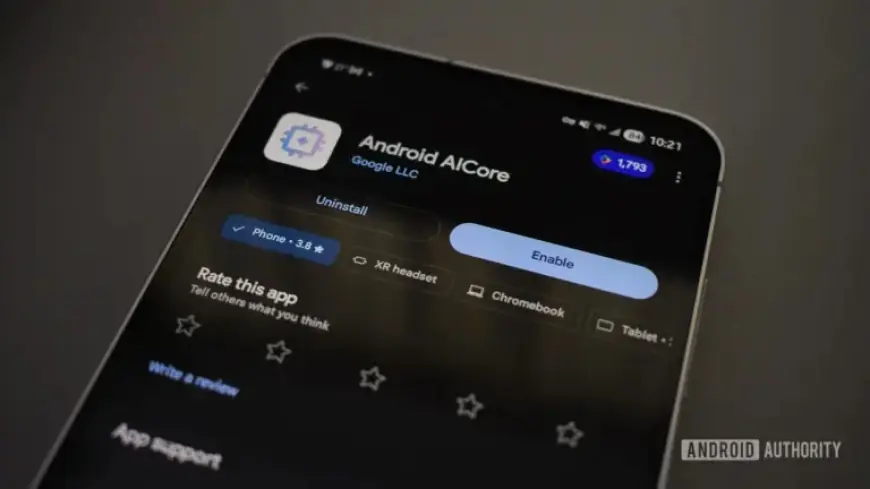
With the increasing reliance on artificial intelligence (AI) features in smartphones, users may find themselves questioning the efficiency of services like AICore on their devices. This article explores whether disabling AICore on Samsung phones could be a beneficial move for users, based on user experiences and the functionality of the app.
What is AICore?
AICore is a system service available on modern Android devices, including the Samsung Galaxy S24 FE running Android 16. It facilitates the updating and maintenance of on-device AI models, such as Google’s Gemini Nano. This allows apps to access AI functionalities without needing a data connection.
Importance of AICore
AICore plays a crucial role in enhancing the user experience by enabling AI-driven features, including:
- Summarizing content from web pages and articles.
- Proofreading and rewriting text messages.
- Generating descriptions for images.
- Processing prompts and extracting information.
For users of Google Pixel devices and Samsung Galaxy phones, several key applications rely on AICore. This includes tools for image editing, message composition, and note-taking.
Should You Disable AICore on Your Samsung Phone?
Disabling AICore can be appealing, especially for users looking to free up system resources. The process is straightforward:
- Navigate to Settings > Apps.
- Search for AICore and select it.
- Tap Force Stop and then Disable.
This action might seem trivial but can lead to limitations. Features that previously relied on AICore may either be grayed out or request an internet connection for operations typically handled locally.
User Experiences
The impact of disabling AICore isn’t uniform. Many users report benefits such as improved RAM usage and enhanced battery life. For instance:
- Some individuals noticed their devices running smoother after disabling AICore.
- Others have experienced up to three additional hours of screen time on Pixel devices.
However, not every user shared these outcomes. Many using devices like the Galaxy S24 FE did not observe significant improvements. Performance gains can vary based on how the device employs AI technology.
Privacy Considerations
One essential aspect to consider is privacy. Disabling AICore may lead to certain tasks being processed on external servers rather than locally. Users aiming for privacy while utilizing AI services should weigh this aspect carefully.
For individuals who seldom rely on AI functionalities, disabling AICore may prove to be a practical choice. However, for those who frequently use AI features, keeping AICore enabled can enhance overall performance and security.
The decision to disable AICore ultimately depends on your usage patterns and needs. Users should assess their reliance on AI features before making this modification to their Samsung phones.